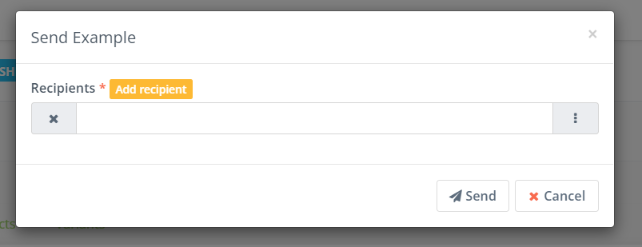
Before you send out an email, its good to get a preview of the email and know its getting delivered properly. Adaptix allows you to send out an example of your email to any email of your choice.
- Open up the “Emails” overview page under “Content” in your Adaptix menu
- Click and open up the email that you want to test.

- In the right corner of the page click “Send Example”, this will direct you to input the email you want to send the test/example email to.
- Press “Send” when you have entered the email.