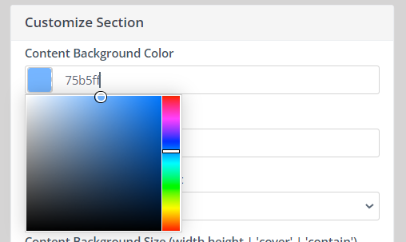
You can change the background color of your Adaptix Page in your Landing Page builder.
- Open up the Landing page you want to modify and click “Edit” in the top right corner of the page.
- Click “Builder” to open up the Landing Page builder
- Click anywhere on the template to open up the “Customize Slot” tab. In this tab you can customize the color by clicking the square under “Content Background color”.
Save your template!