
Adaptix has many features you can add to your automation when it comes to modifying information on a contact.
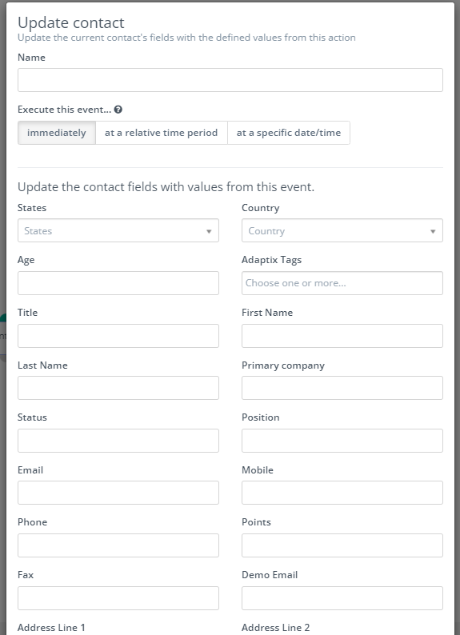
Under the “Actions” field when you are building an automation you will find the action “Update Contact”. When you select the “Update Contact” action you will be redirected to a form where you can update the current contact’s fields with the defined values from this action. This action should be added after a “Decision” has been selected in the automation.
