
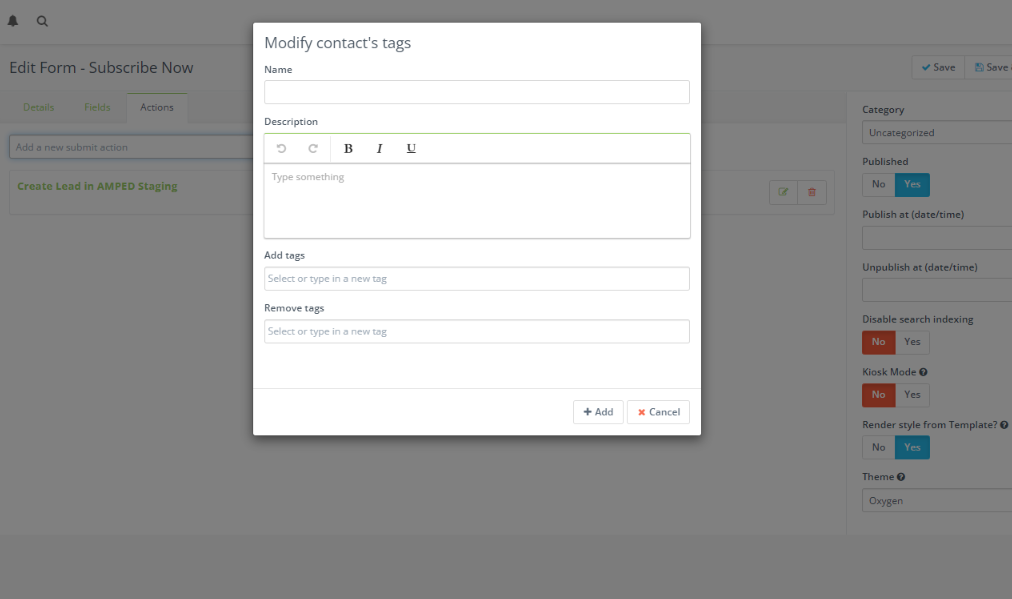
You can add an action to the form when a user successfully submits it. Tagging a contact when they submit a form can help you keep your contacts organized and add more customization to your contacts.
To Tag a contact when they submit an Adaptix form, follow these steps:
- Click on an existing form or create a new form.
- Open up the editing page of the form by clicking “Edit”
- Under the “Actions” tab, add a new submit action, select “Modify contact tags”
- Now you can set the action to remove or add tags to a contact when they submit a form
