- Open an existing form in your Adaptix account or create a new one
- Open up the fields tab by clicking on “Fields”
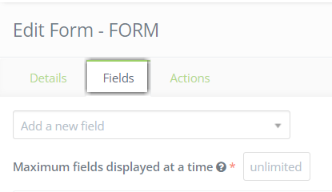
- In the fields tab you will be able to customize or modify the “Submit” button
- You will see a “Submit” block and on that same block there is a green pen icon. Click the icon on the right sign.

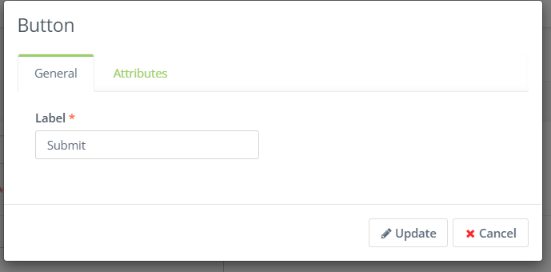
- You will now be able to modify the label of the button or add any attributes. Click “Update” when you are finished.