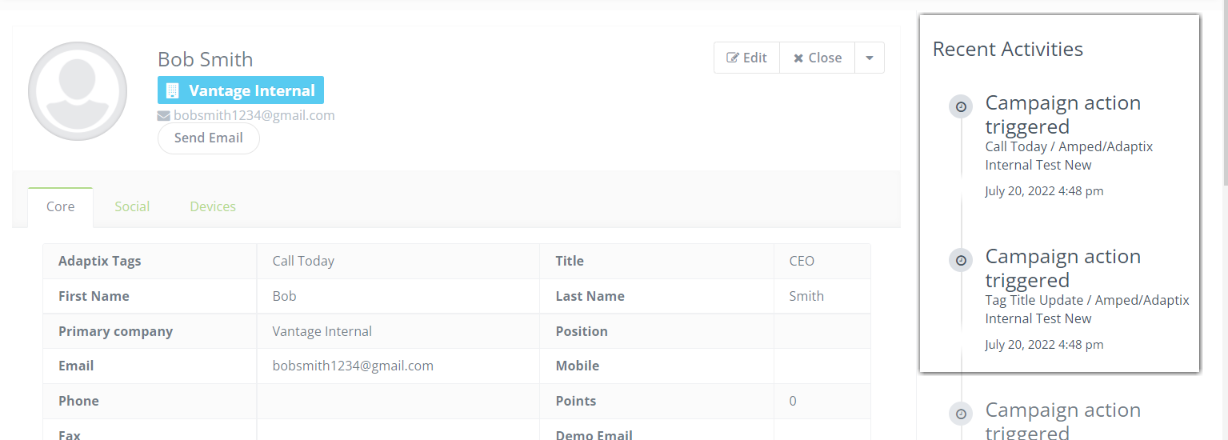
When a contact is unsubscribed from your list, we’ll display the date and time of that unsubscribe in the ‘Recent Activities column located on the Contact’s profile page.
To access the Contact’s profile page:
- Open up the “Manage Contacts” page
- Click on the name of the contact you want to view
- The profile will open up and the “Recent Activity” column will be on the right side of the profile