
Brand Kit for Email Marketing: What It Is and Why Every Client Needs One
We bring this up in the first week with almost every new client, and it’s usually the least exciting thing on the list. Nobody hires an agency because they’re excited about hex codes.
But it’s the thing that determines how fast everything else moves. Here’s what we mean.
What Is a Brand Kit for Email Marketing?
A brand kit for email marketing is a single, centralized set of your brand assets and rules, connected to the platform where your campaigns get built. It includes your logo files, color palette with exact hex values, typography, image treatment guidelines, and the written rules that govern how your brand sounds.
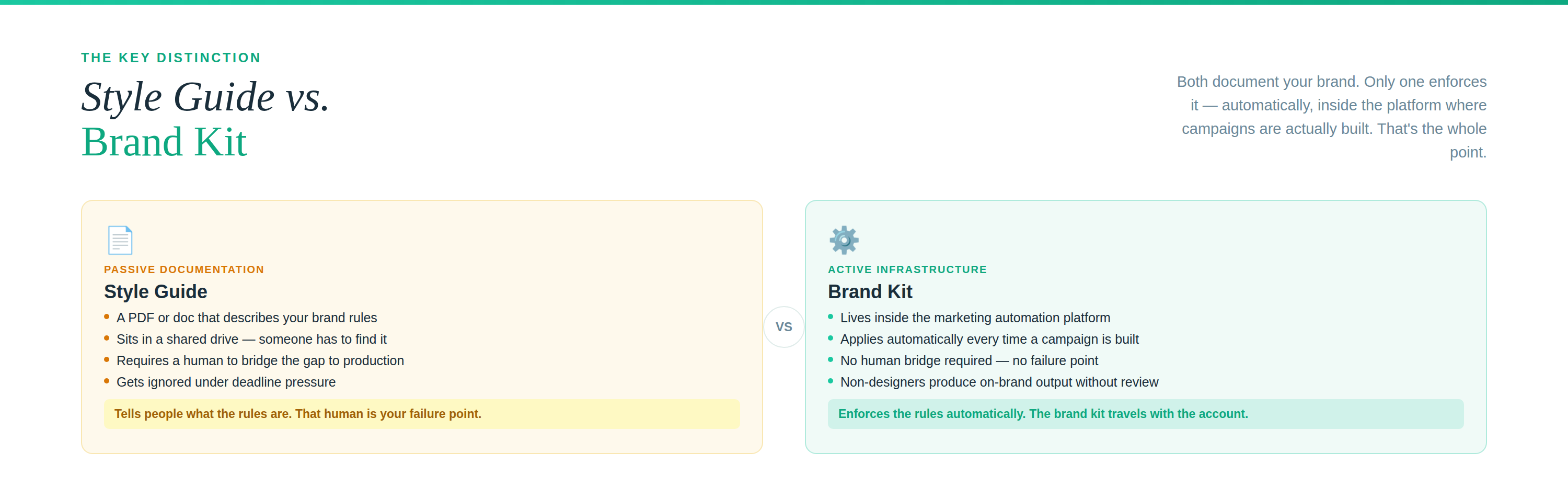
It is not a PDF style guide sitting in a shared drive. It’s an operational asset that lives inside your marketing automation platform and gets applied automatically every time someone builds a campaign.
That distinction is the whole point. A style guide describes your brand. A brand kit enforces it.
Why Brand Consistency in Email Affects Revenue, Not Just Aesthetics
New clients often assume this is a design conversation. It isn’t. It’s a conversion conversation.
Every email, landing page, and automated follow-up is a touchpoint where a prospect makes a fast, mostly unconscious judgment: does this look like the same company I heard from last week?
When the answer is yes, they extend a little more trust. When the answer is no, they hesitate. That hesitation shows up in your click rates and your conversion rates, and most teams never trace it back to the cause.
Think about a restaurant with a beautiful sign out front and a laminated, misspelled menu inside. The food might be excellent. But you’ve already adjusted your expectations. Your email program works the same way. It produces dozens of small impressions every week that either reinforce or quietly undermine everything else you’re spending money on.
What Goes Wrong Without One
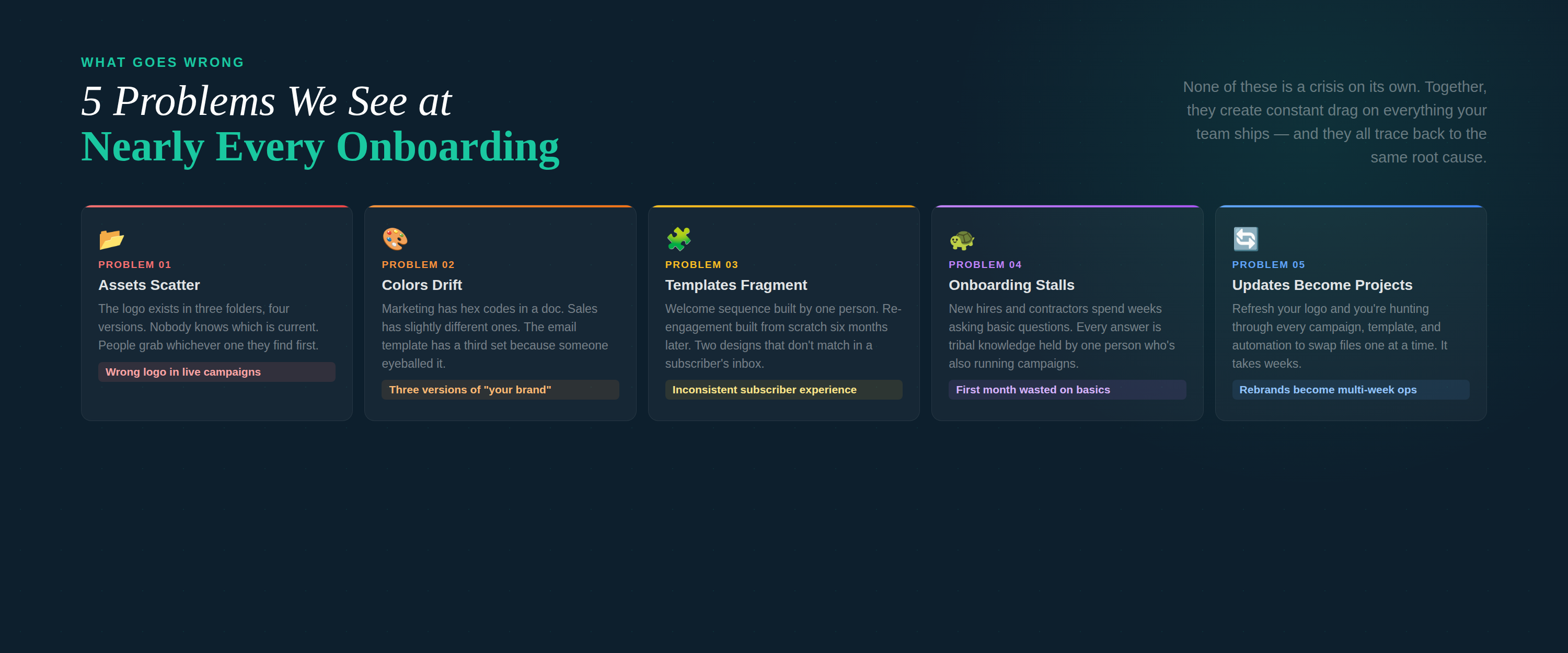
We see the same five problems at nearly every client we onboard.
Assets scatter. The logo exists in three folders, in four versions, and nobody knows which is current. People grab whichever one they find first.
Colors drift. Marketing has hex codes in a doc. Sales has slightly different ones from an old deck. The email template has a third set because someone eyeballed it.
Templates fragment. One person builds a welcome sequence. Six months later someone else builds re-engagement from scratch because the original was too hard to find. Now you have two designs that don’t match.
Onboarding stalls. New hires and contractors spend their first weeks asking basic questions. Every answer is tribal knowledge held by one person.
Updates become projects. Refresh your logo and you’re hunting through every campaign, template, and automation to swap files one at a time.
None of these is a crisis. Together, they create constant drag on everything your team ships.
The Deliverability Argument Most Agencies Skip
This is the part we push hardest on, because it affects whether your email arrives at all.
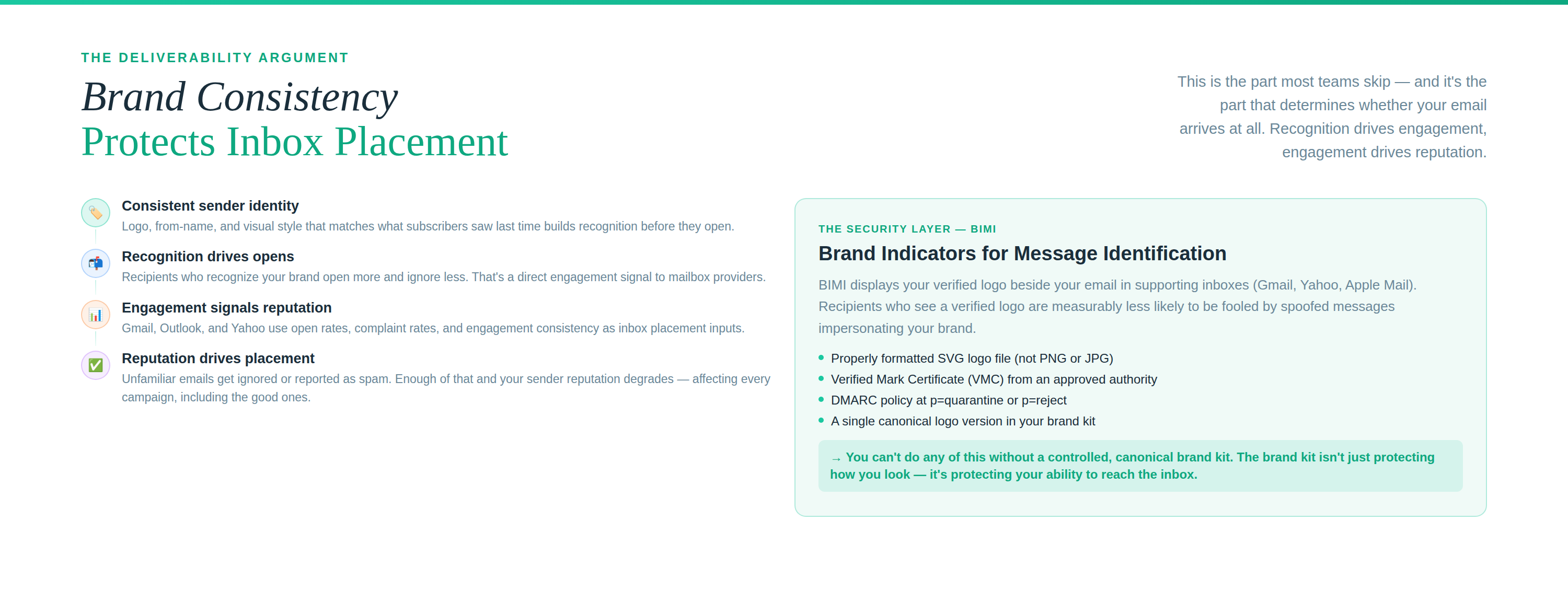
Recipients who recognize your sender identity open more, complain less, and engage more. Mailbox providers watch those signals closely, and engagement is one of the strongest inputs into inbox placement.
The reverse holds too. Emails that look unfamiliar get ignored or reported as spam. Enough of that and your sender reputation degrades, which affects every campaign you send afterward, including the good ones.
There’s also a security layer. BIMI, the standard that displays your verified logo beside your emails in supporting inboxes, requires a properly formatted SVG logo file and a Verified Mark Certificate. You can’t do that without a controlled, canonical version of your logo. Recipients who see a verified logo are measurably less likely to fall for a spoofed message impersonating your brand.
So the brand kit isn’t just protecting how you look. It’s protecting your ability to reach the inbox.
Why It Has to Live Inside Your Automation Platform
Here’s where most brand kits fail.
If your assets live in a design tool and your campaigns live in a separate email platform, a human being has to bridge that gap manually every single time. That person is your failure point. They get busy, they guess, they use last year’s file.
When the brand kit is native to the automation environment, the bridge disappears. Templates inherit brand settings by default. New campaigns start from the correct foundation. Team members who are not designers can build things that look right without routing every send through design review.
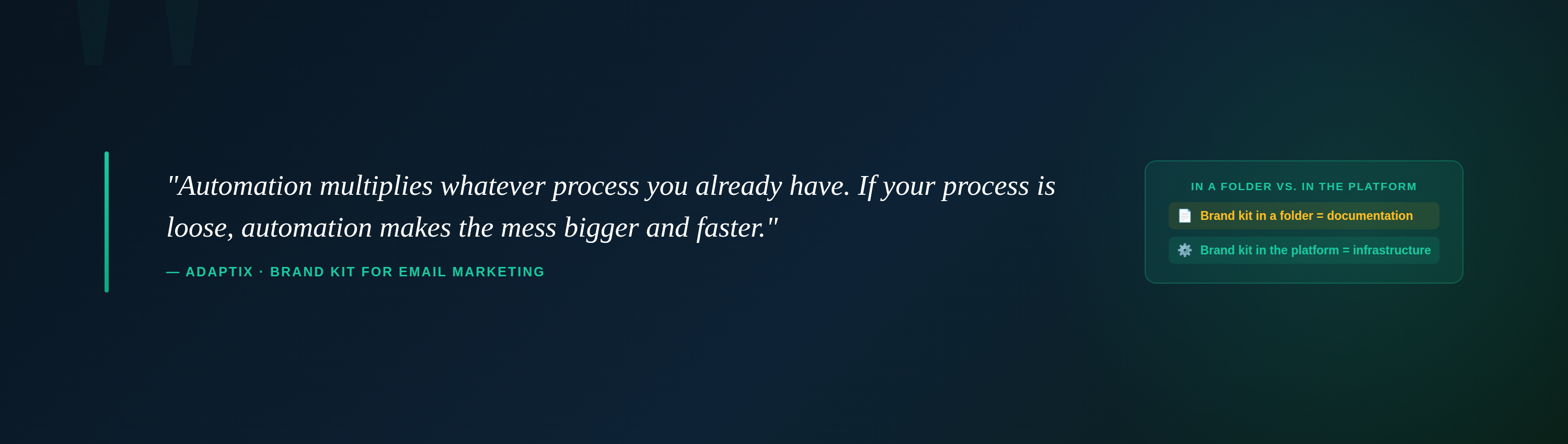
Automation multiplies whatever process you already have. If your process is loose, automation makes the mess bigger and faster. That’s the part clients underestimate.
For agencies and anyone running multiple brands, this matters even more. Switching between client accounts shouldn’t mean relearning each brand’s rules. The kit travels with the account.
What to Include in Your Brand Kit
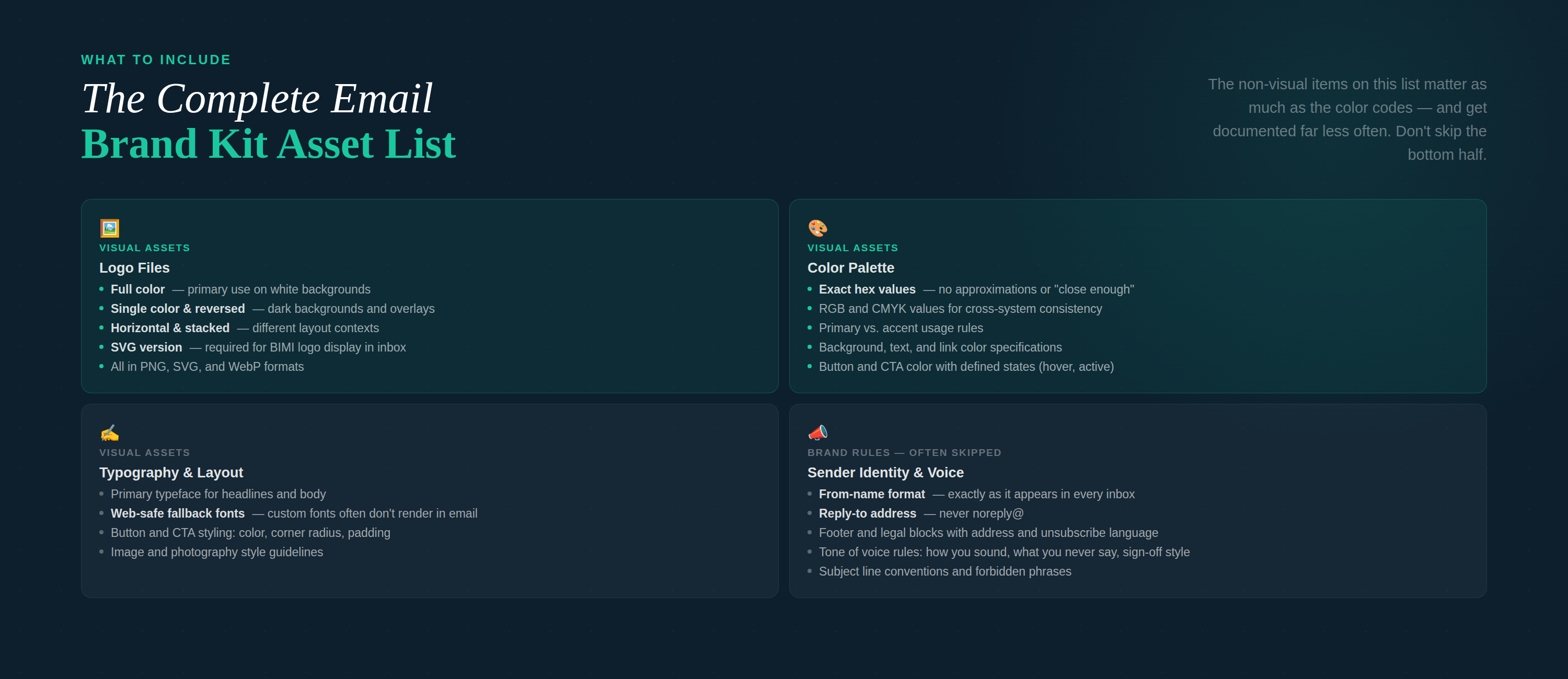
If you’re building one from scratch, this is the working list we use with clients:
- Logo files in every format you will need: full color, single color, reversed, horizontal, stacked, and an SVG for BIMI
- Color palette with exact hex, RGB, and CMYK values, plus rules for which colors are primary versus accent
- Typography including web-safe fallbacks, since custom fonts often don’t render in email clients
- Button and CTA styling with defined colors, corner radius, and padding
- Image guidelines covering photography style, illustration treatment, and what to avoid
- Sender identity rules including the from-name format, reply-to address, and signature structure
- Tone of voice rules covering how you sound, what you never say, and how you sign off
- Footer and legal blocks with your address, unsubscribe language, and any compliance text
The non-visual items on that list matter as much as the color codes and get documented far less often.
How to Get Started
You don’t need a rebrand to do this.
Start by gathering what you already have and picking the canonical version of each asset. One logo file. One set of hex codes. One font stack. If there’s internal disagreement about which version is correct, settle it now rather than letting it persist for another year.
Then document the rules that aren’t visual. Sender name, subject line conventions, sign-off, forbidden phrases.
Then connect it to the platform where the work actually happens.
A brand kit in a folder nobody opens is documentation. A brand kit wired into your automation is infrastructure. The difference shows up in every email you send.
