
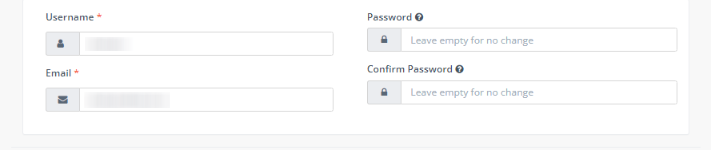
Only the account administrator can change its own username. Admins can update their username by going into “User Management” and opening up their user profile. In the user profile, under “username”, type in the new username. Press “Save & Close” when you are finished.
