
To change your Login email:
- Click on your username in the top right corner of the page to pull down a menu
- Click “Account” to open up your user profile
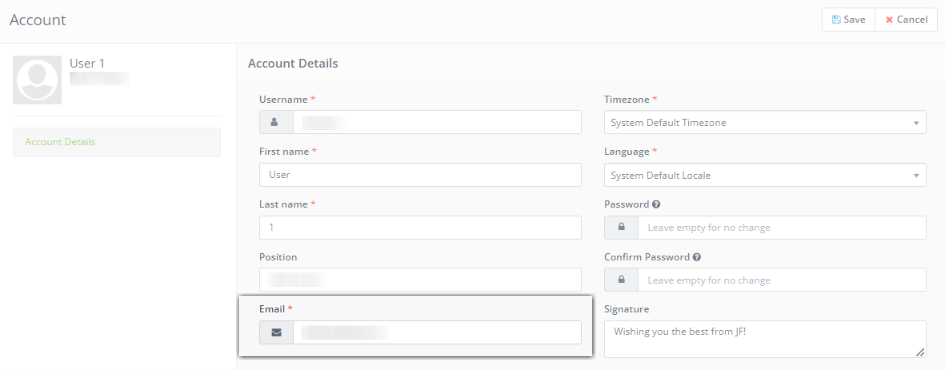
- In your user profile, type in the email you want to login with under “Email”
- Click “Save” when you are done
You can also contact the admin of your account to change your login email.
