
In Adaptix, click on the settings icon in top right corner of the page to open up a list of categories.
- Click “Custom Fields”. You will be directed to your “Custom Fields” overview page.
- Click on the name of custom field you want to edit. You will be directed to the editing page.
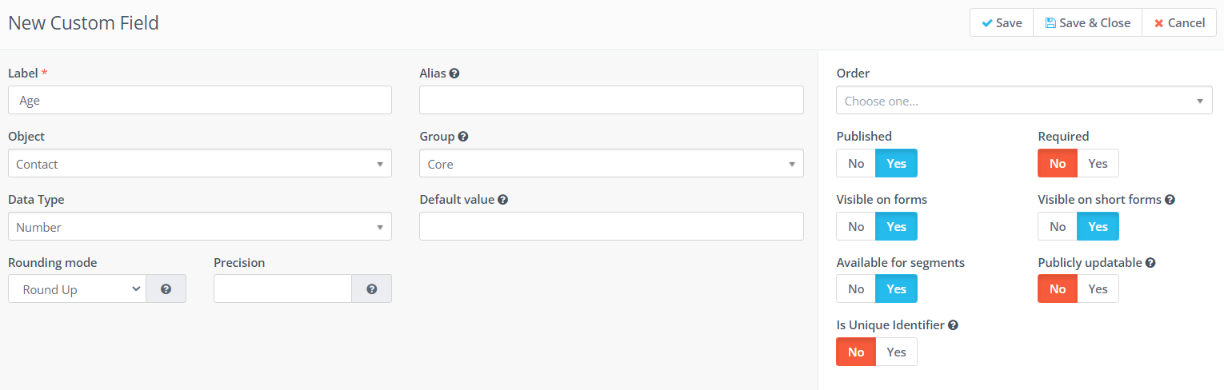
You can edit or add any information the contact field. When you are done press “Save & Close” to automatically save any edits made.
