
Adaptix allows you to send a plain text email under your advanced settings when editing a email.
- Create a new email or click on an existing email in your “Email” overview page.
- Click on the “Edit” button found on the top right corner of the page
- Under “Edit Email” you will see 2 tabs : “Theme” & “Advanced”, click “Advanced”
- You will now be navigated to where you can fill out the information on the plain text email
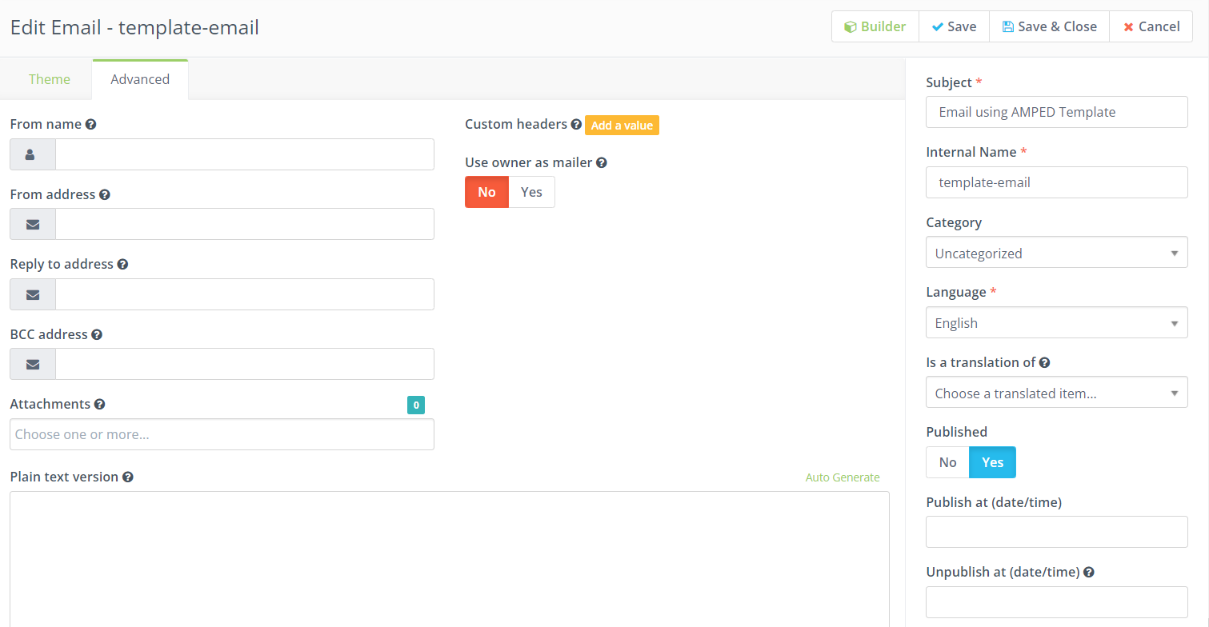
- Fill out the information and press “Save”
