
Tags are used to organize your contacts on a deeper-level. Tags are more specific than segments are when it comes to organizing your contacts.
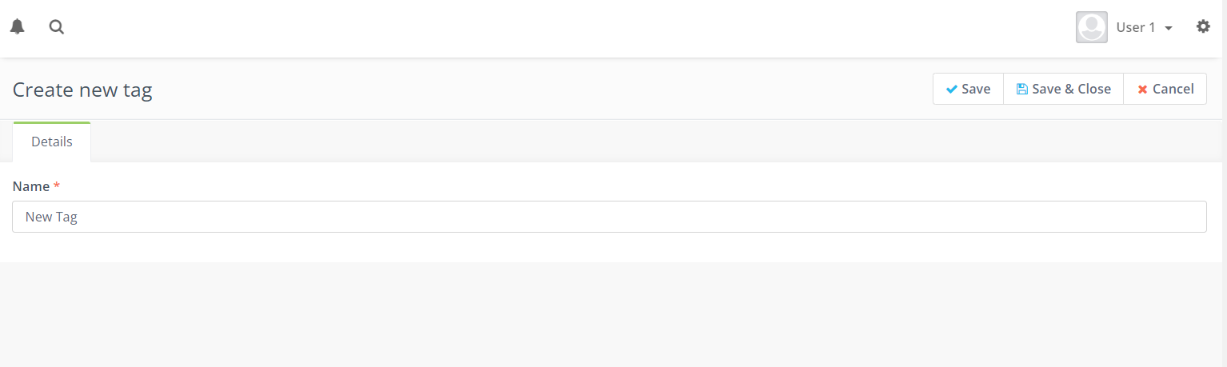
How to create a Tag in the “Tags” page:
- Open up the Adaptix Menu and scroll down to “Tags”. Open the page.
- Here you will see an overview of all your current tags. In the top right corner click “+ New”.
- You will be directed to name your tag. Enter the tag name.
- After you are done , press “Save”
- You have now created a new Tag
