
The “Import History” tab will allow you to see all your recent imports in your Adaptix account. You can click on each import link to view your import results.
- On the Adaptix Menu, under “Contacts”, open up “Manage Contacts”.
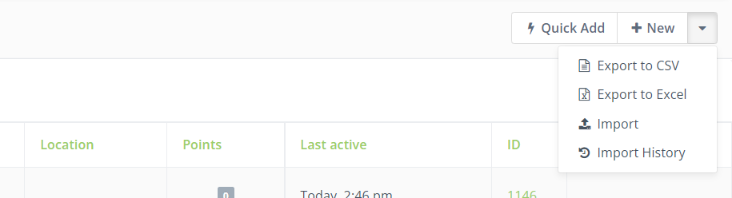
- In the top right corner of the page click on the down arrow button.
- Click “Import History”, this will bring you to all your recent imports. You can click on the imports to see more detailed information on the file.
