
Adaptix allows you to track your contact(s) engagement through their “Recent Activities” log.
- Go to “Contacts” in your Adaptix menu and click “Manage Contacts”.
- Click on the contact to open up the Contacts profile.
- On the right side you will see a “Recent Activities” log. Here you can scroll or filter to see when the contact last opened an email. It will display the time & date of this action.
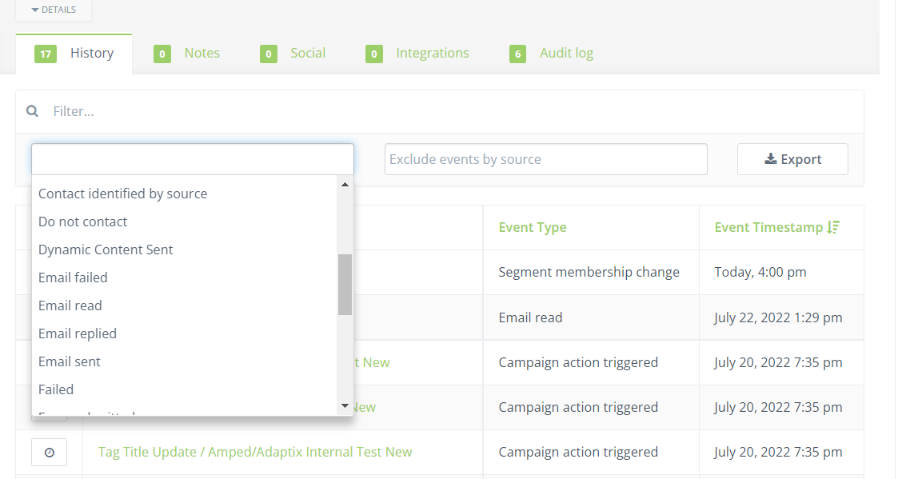
- You can also scroll down the Contacts profile and go onto the history tab. Here you can filter the history to see any action from your contact.
