
You can create custom email headers under “Configuration” in your Adaptix Settings.
- Open up the “Configuration” page and click on “Email Settings”
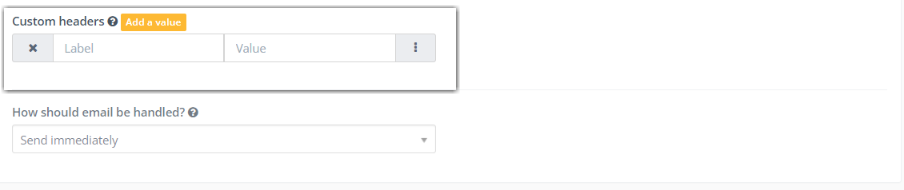
- Under “Mail Send Settings” you will see “Custom Headers” and a “Add a value” tab next to it.
- Click “Add a value” to add a custom header. You can add multiple headers.
- Press “Save & Close” when you are finished.
Related Articles:
