
Yes, Adaptix allows you to add an image with a caption by using the email building blocks.
- Open up the email builder and under “Slot Types”, click and drag the “Image + Caption” block over to the email template.
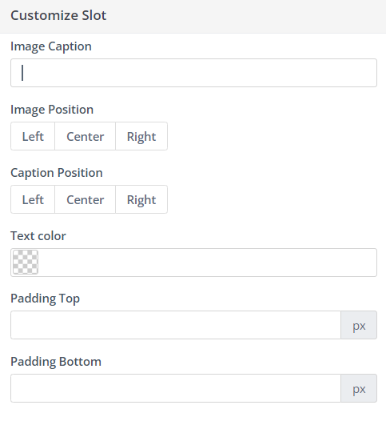
- The image above will be shown in your email template. You can add an image by clicking on the box and you can add a caption in the customize slot tab.
Related Articles:
Migrating images to the Content Manager
