In your Adaptix menu , under “Content”, click “Forms”.
- You will be directed to the “Forms” overview page where you can see all your current forms and create new ones. In the top right corner of the page click “+ New” to add a new form.
- Select the type of form you want to create ( Campaign Form or Standalone Form).
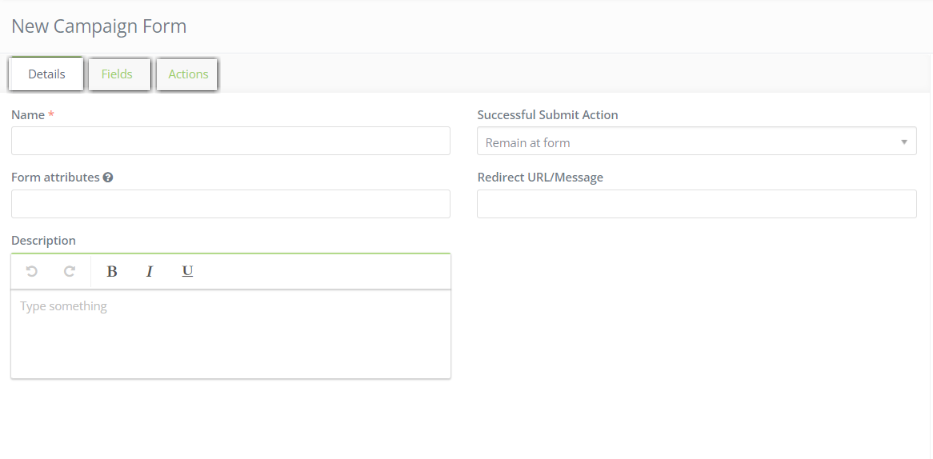
- After selecting the type of form name your form.
- You can fill out the details on the form, add fields, or add actions to the form. These tools can help you customize the form to what you need.
- Press “Save & Close” when you are finished.