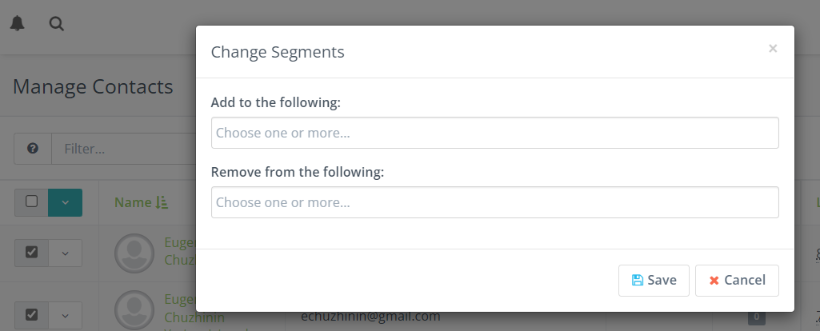
In Adaptix you can manually add or remove an individual contact or multiple contacts from a segment.
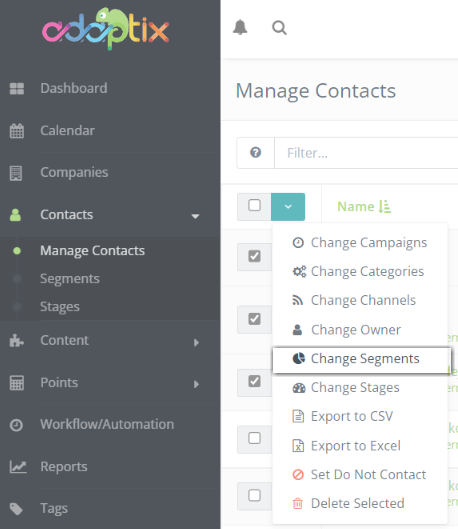
In the Adaptix Menu, navigate to the “Contacts” tab and click “Manage Contacts”.
- Check off the contact(s) you want to add or remove from a segment
- Click on the green down arrow to pull up a list of actions
- Click “Change Segments”
- You will then be directed to choose what segment you want to add your contact(s) to and what segment you want to remove your contact(s) from
- Click “Save” when you are finished.